Digital guide · PDF
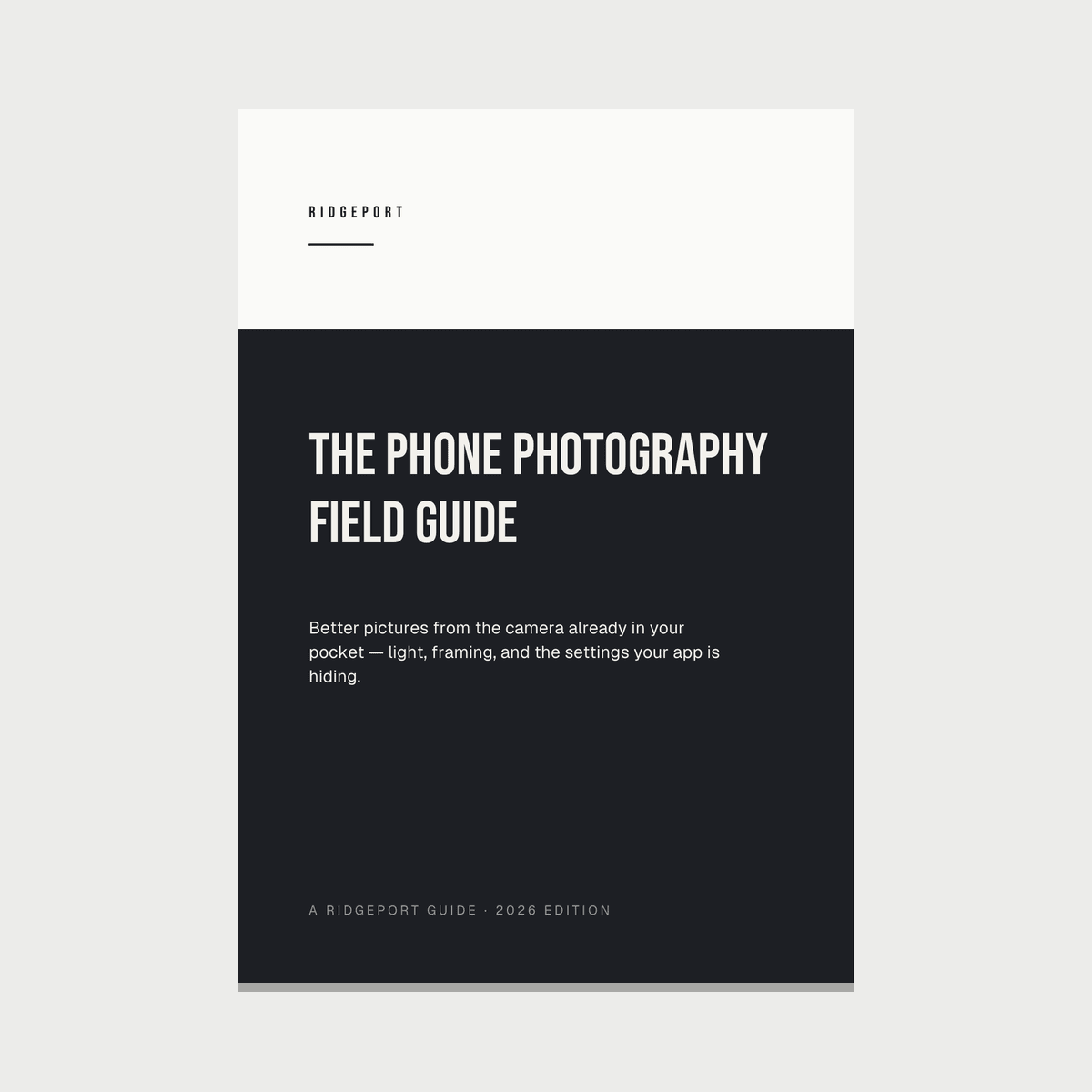
The Phone Photography Field Guide
Better pictures from the camera already in your pocket — light, framing, and the settings your app is hiding.
- Deliveredinstantly, by email
- YoursTo keep and to print, on any device you own
- ShippingNone — nothing is mailed, so no address is asked for
A modern phone is a genuinely good camera built around a sensor the size of a grain of rice. Almost everything it does brilliantly, and almost everything it does badly, comes from that one fact.
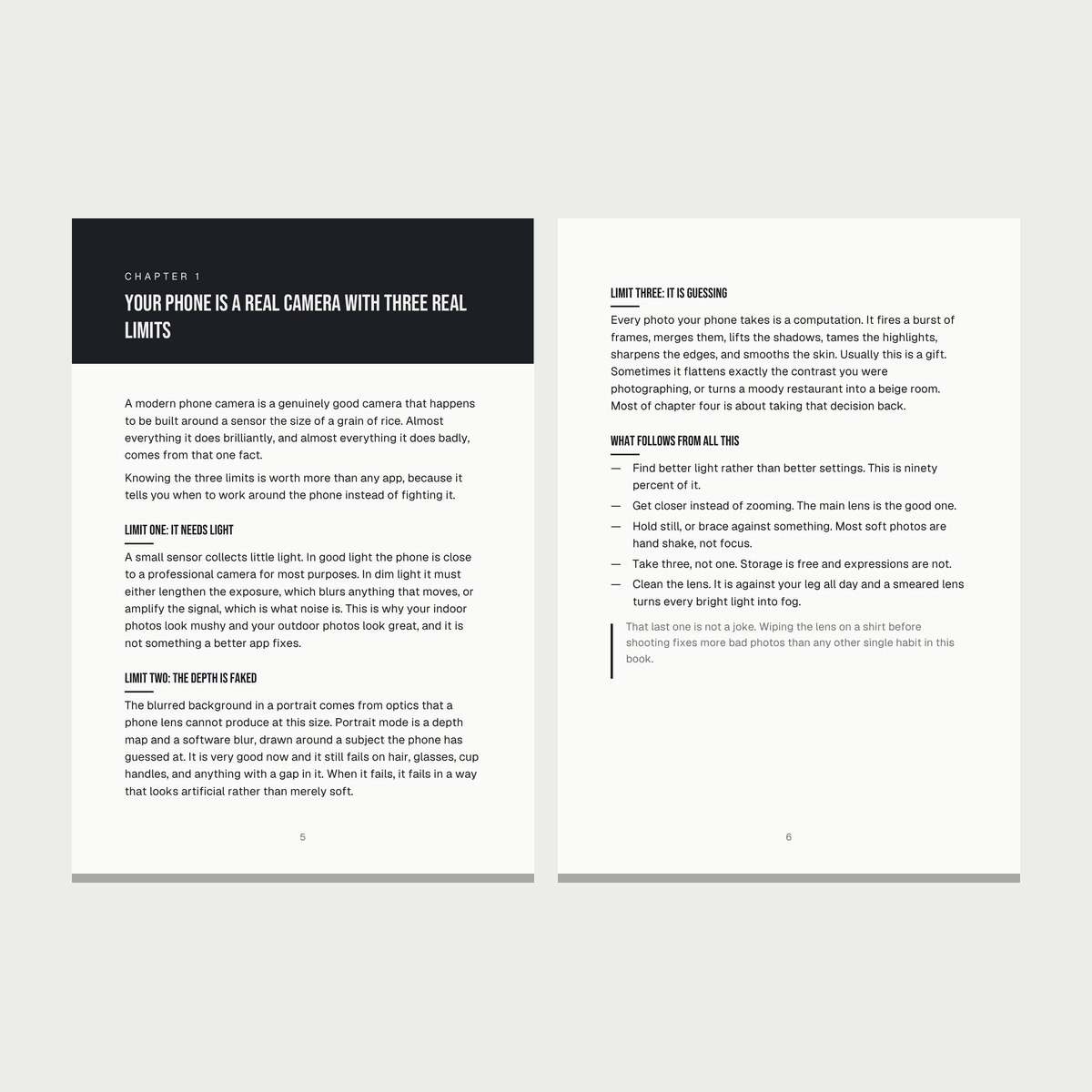
The Phone Photography Field Guide is a thirty-three page guide to using the camera you already own well. It starts with the three real limits of a phone camera, spends its longest chapter on light — because light is what a photograph is made of — and then works through portraits, kids and pets, food, travel, night, and an eight-step edit that takes about ninety seconds.
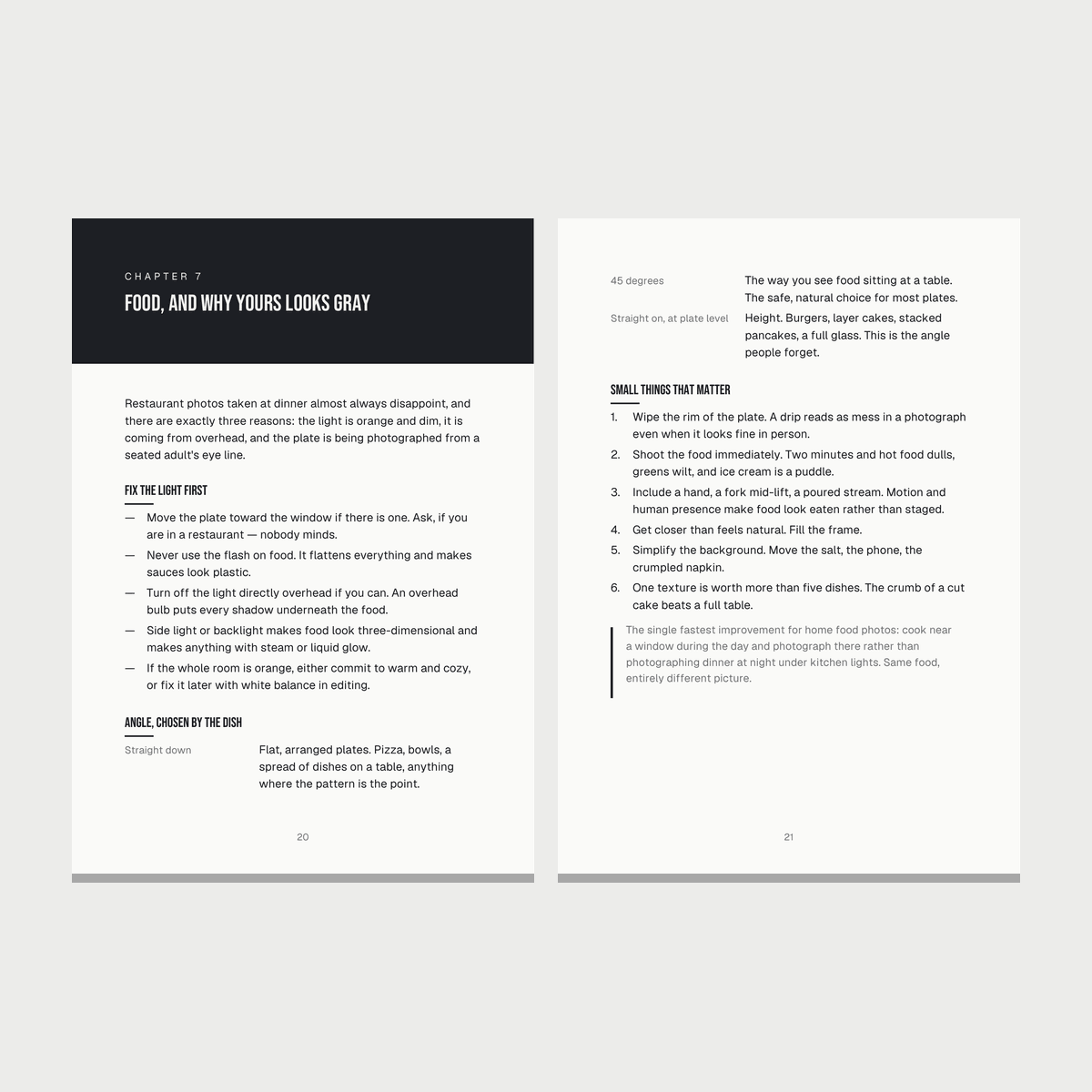
Nothing in it requires a new phone, a paid app, or an accessory. Where a control is named it is named generically, because menus move between software versions and between makers, and the function is the part that does not change.
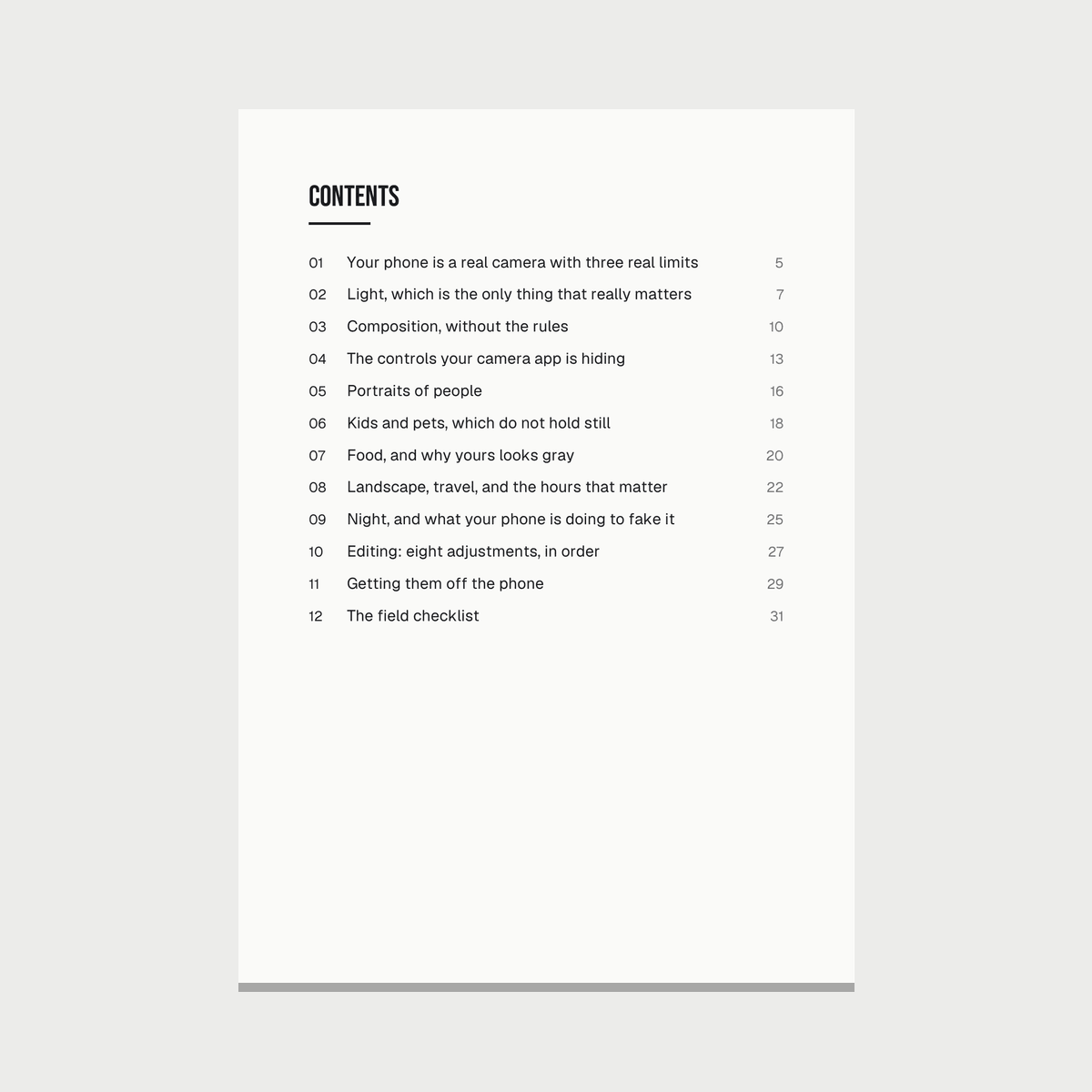
Twelve chapters, a symptom-and-fix table for the five failures that account for most bad phone photos, and a field checklist short enough to remember.
The table you will open most
Five failures account for nearly every disappointing phone photo. Here is that page from the last chapter, in full — the most honest sample of a book there is.
- Soft or smeared
- Hand shake, not focus. More light, brace on something, shoot a burst.
- Face too dark
- The phone exposed for a bright background. Tap the face, then drag up.
- Sky is white
- More range than one frame holds. Drag down, or recompose with less sky.
- Skin looks orange
- Indoor bulbs. Fix white balance in the edit, or move to a window.
- Flat and lifeless
- No contrast and no true black. Add contrast, lower the black point.
How it is written
01
Light first, because everything else is smaller
The longest chapter in the book is about where light is coming from, how hard it is, and what color it is. Photographers who seem to have a gift are usually people who have learned to notice light and move a few feet to use it better — and that costs nothing and works on every camera ever made.
02
The controls that are already there
Tap the subject to set focus, then drag to set brightness. Press and hold to lock. Know which lens is the largest sensor. Those four things are on every phone, are free, and are the difference between accepting the phone's guess and making a decision. Most people never touch the second one.
03
It explains what the phone is doing
Every photo a modern phone takes is a computation — a burst of frames merged, shadows lifted, highlights tamed, edges sharpened. Usually that is a gift. Sometimes it flattens exactly the contrast you were photographing. Knowing which is which tells you when to take the decision back.
04
Editing that finishes a photo instead of rescuing one
Eight adjustments in a fixed order, all built into the phone: crop, exposure, highlights, shadows, contrast, white balance, vibrance, sharpening. The order matters because each one changes what the next is judging. And there is a plain test for when to stop.
The file itself
- Format
- PDF, A5, unlocked and printable
- Length
- 33 pages, 12 chapters
- File size
- 126 KB
- Language
- English (US)
- Works with
- Any modern smartphone camera, any maker
- Reads on
- Phone, tablet, laptop, e-reader, or paper
- Delivered
- By email and on screen, as soon as payment clears
- Licence
- One reader. Print it, keep it, do not resell it
In the download
- The Phone Photography Field Guide — 33 pages, PDF
- Twelve chapters, from the three limits of a phone camera to printing
- The five-symptom fix table for photos that came out wrong
- A field checklist you can run through before you press the button
Questions
Does this work with my phone?
Yes. Every control it names exists on both major platforms and on every recent phone, and it names them by function rather than by menu position, because menus move between software versions. Nothing in the book requires a particular maker or model.
Do I need to buy an app?
No. The whole guide, including the editing chapter, uses the camera and photo tools already on the phone. Paid apps are mentioned only where they genuinely add something, and never as a requirement.
Is this for beginners or is there something for me if I already shoot?
It assumes no prior knowledge and starts from the mechanism, but the chapters on light, on what computational photography is doing, and on the eight-step edit are written for someone who wants to know why rather than which button.
How is it delivered?
As a download link on the confirmation page and in your receipt email, as soon as the payment clears. There is nothing to install and no account to create.
Can I print it?
Yes. It is an unlocked A5 PDF with no password and no printing restriction, and there is a chapter on printing your photos too.
What if the file will not open?
How it reaches you
You pay, and the download link is on the confirmation page and in your receipt email. Delivered instantly, by email. Nothing to install, no account to create.
Because the file is delivered immediately, the checkout asks you to confirm you want it right away. That confirmation is recorded with your order and repeated in your receipt.
If the file will not open, is missing pages, or is not what this page described, that is not what you paid for. Our refund policy says so plainly and in full.